

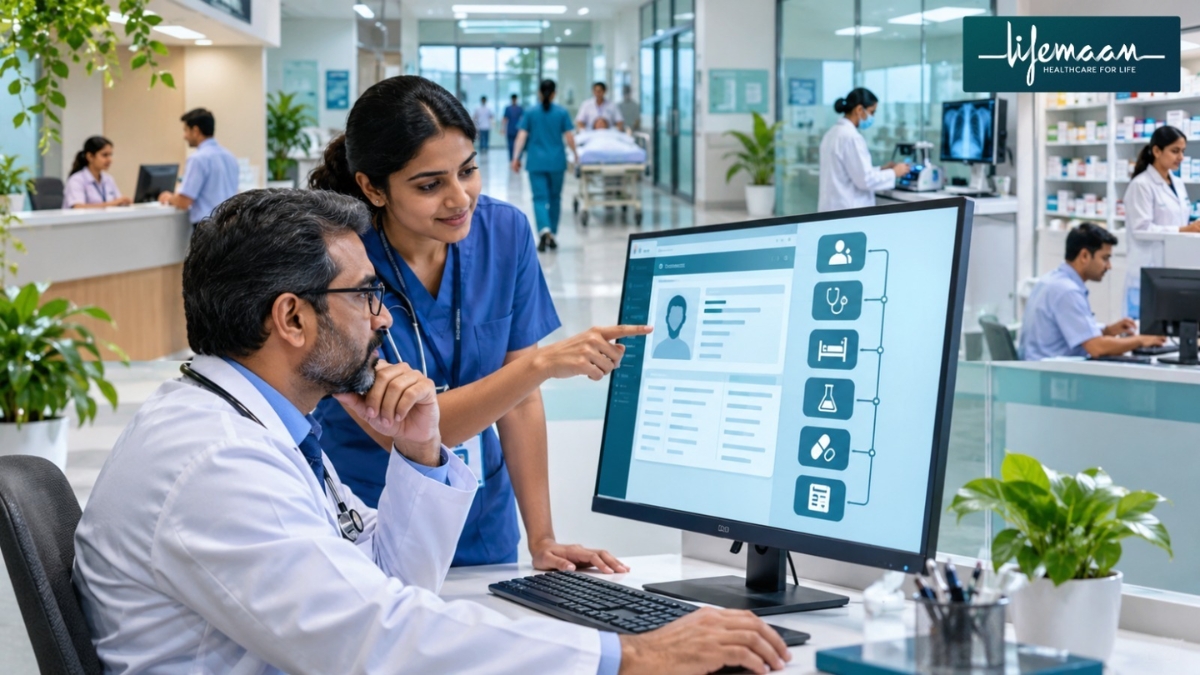
New Delhi [India], November 25: Running a hospital involves much more than treating patients. Reception teams register visitors, doctors manage consultations, nurses coordinate bedside care, laboratories process investigations, pharmacies dispense medicines and finance teams prepare bills. Each activity creates information that another department may need.
When these activities are managed through disconnected registers, spreadsheets or standalone applications, staff can spend valuable time searching for records, re-entering details and following up across departments.
Hospital management software brings important hospital workflows into a connected digital environment. Rather than treating registration, clinical documentation, diagnostics, pharmacy and billing as unrelated tasks, an integrated system helps authorized teams work with information associated with the same patient record. For modern hospitals, this connected approach is becoming an important part of operational planning.
1. Connect Departments Around the Patient Record
A hospital visit can involve several departments. A patient may register at reception, consult a doctor, undergo a laboratory test, collect a medicine and complete billing. If each department maintains a separate record, information can become fragmented and staff may need to enter the same details more than once.
An integrated Hospital Management System can connect these steps through a common patient record. Depending on the software configuration, registration details, consultation notes, prescriptions, investigation orders, results, dispensing information and bills can be made available to authorized users. This supports continuity of information and helps reduce avoidable duplication.
2. Support Smoother OPD and IPD Workflows
Outpatient departments need to manage appointments, queues, consultations and follow-ups. Inpatient departments have different requirements, including admissions, bed allocation, ward transfers, nursing documentation and discharge coordination. Software designed for both OPD and IPD can help teams manage these workflows in a more structured way.
For example, an OPD dashboard may show queue status and consultation progress, while an IPD bed board may help staff view occupancy and patient movement. The exact functions vary by product, but the objective is similar: make relevant operational information easier to access and update.
3. Bring Diagnostics and Pharmacy into the Workflow
Laboratory and radiology services are closely connected to clinical decisions. When investigation orders and approved reports are linked with the patient record, doctors and authorized staff can follow the progress of a test without relying entirely on paper movement or repeated phone calls.
Laboratory Information Systems and Radiology Information Systems can support order handling, result entry, review and report distribution.
Pharmacy and inventory workflows also benefit from connected information. A pharmacy module may help staff review prescriptions, manage stock, monitor batches and track expiry information. When dispensing and billing are connected to the broader hospital workflow, staff can work with a more complete view of the patient’s visit.
4. Improve Administrative Visibility
Hospital administrators need visibility into activity across departments. Digital systems can provide structured records and reports that help teams review patient flow, billing activity, inventory and operational status.
This information can support day-to-day decisions, although the usefulness of reports depends on accurate data entry, appropriate access and well-defined processes.
Billing and accounting features can help bring charges from different services into a consolidated workflow. Discharge documentation may also be prepared from information already recorded during the patient’s stay, reducing the need to recreate details at the end of treatment.
5. Consider Usability, Access and Implementation
Choosing software is not only a feature comparison exercise. Hospitals should consider how doctors, nurses, receptionists, technicians, pharmacists and administrators will use the system.
A solution that supports appropriate role-based access and works across relevant devices can make adoption easier for teams with different responsibilities.
Before implementation, hospitals should map existing workflows, identify data migration requirements, define user roles, train staff and agree on support arrangements. They should also review data security, backup practices, privacy terms, integration requirements and the vendor’s service commitments.
A realistic demonstration using representative workflows is more useful than relying on a feature list alone.
Conclusion
Hospital management software can help modern hospitals coordinate clinical and administrative work through connected digital processes. Its value is not simply replacing paper with screens; it is making information easier to record, find and share with the right people at the right time.
Hospitals evaluating this technology should focus on their own workflows, user needs and implementation readiness.
For hospitals exploring ways to connect reception, OPD, IPD, ICU, OT, pharmacy, laboratory, radiology, billing and patient communication, an integrated platform can be worth evaluating. One example is Lifemaan’s hospital management software platform, which brings these areas together within a wider hospital management environment.
Explore how a connected hospital platform can support your organisation’s digital workflow requirements.
If you object to the content of this press release, please notify us at pr.error.rectification@gmail.com. We will respond and rectify the situation within 24 hours.
